Nie
Members
-
Joined
Everything posted by Nie
-
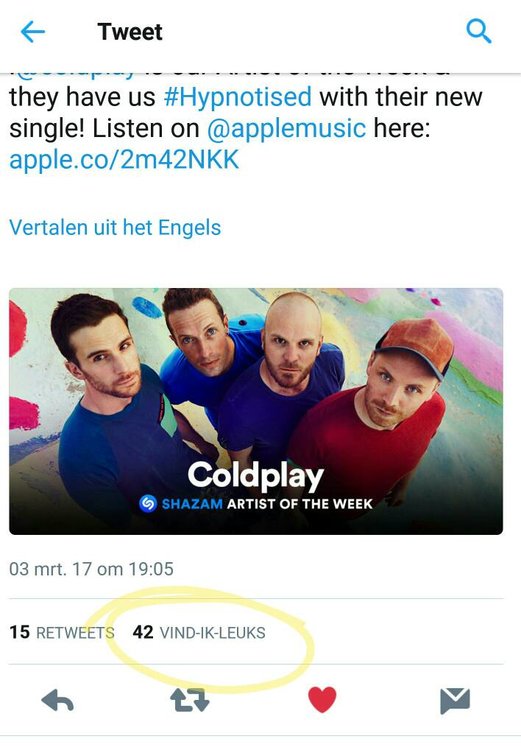
Right now I'm grateful for my quick reaction. [emoji1]
-
Yep, this pretty much sums it up: [emoji4] [MEDIA=twitter]837738582945181696[/MEDIA] Mobile Link: https://twitter.com/coldplaying/status/837738582945181696
-
@coldplayisawesome pretty much explained it. You can find some extra info on the first post of this thread. E.g. how to synchronise time.
-
In case you want to download it: https://mega.nz/#!4ddxGbKb!qrGsDED231rVYBBqpejoRkHctbWKzWnxCFrAitY6ZfU We used it in our IRANAWAYLIVE2016 project. [emoji4]
-
Had a little awkward moment. Started playing the song on my phone at work but forgot to plug in my ear phones (again). [emoji23] The beginning sounds a bit like a ring tone/wake up music so I don't think anyone noticed that I'm listening to Coldplay. [emoji1]
-
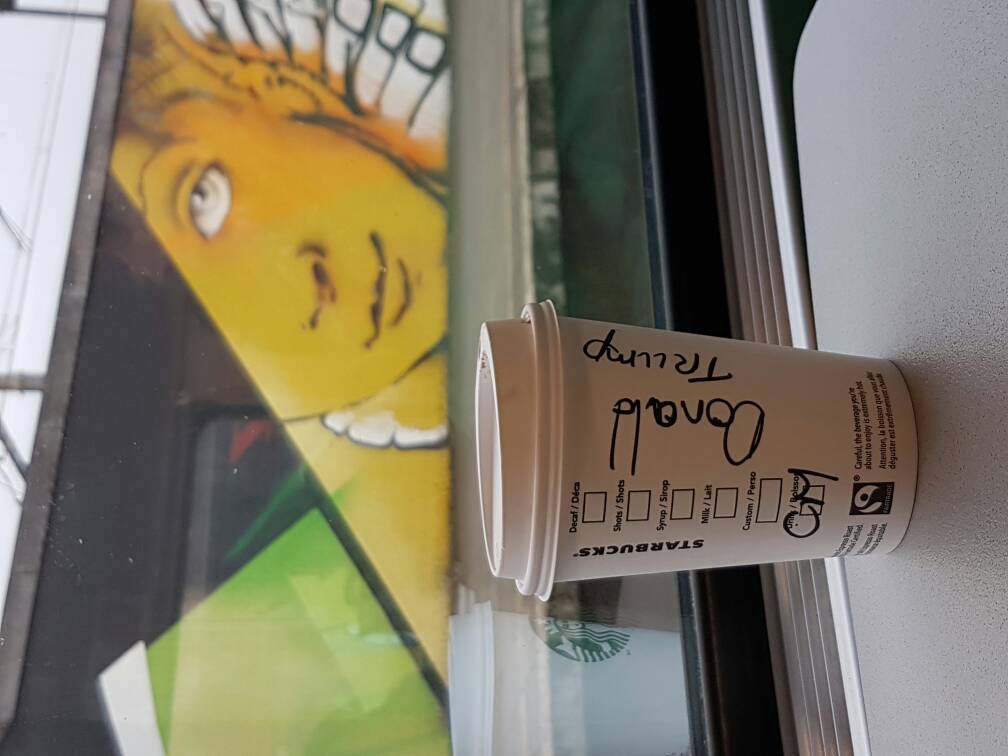
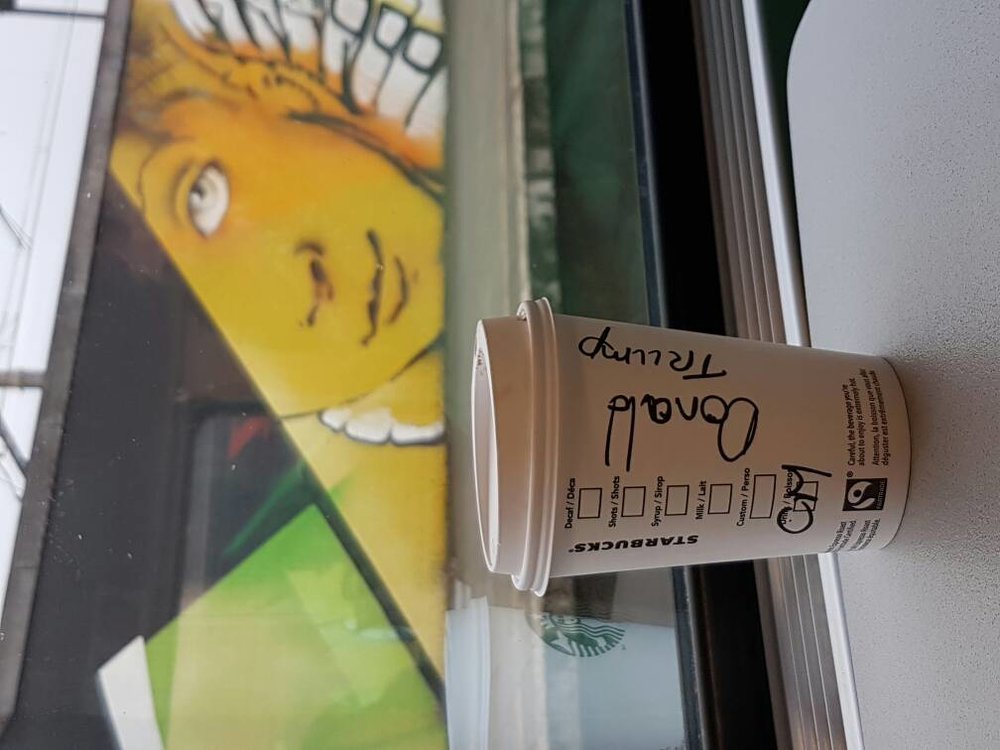
Someone left this behind in the train I just took. Don't know if the combination is funny or sad though:
-
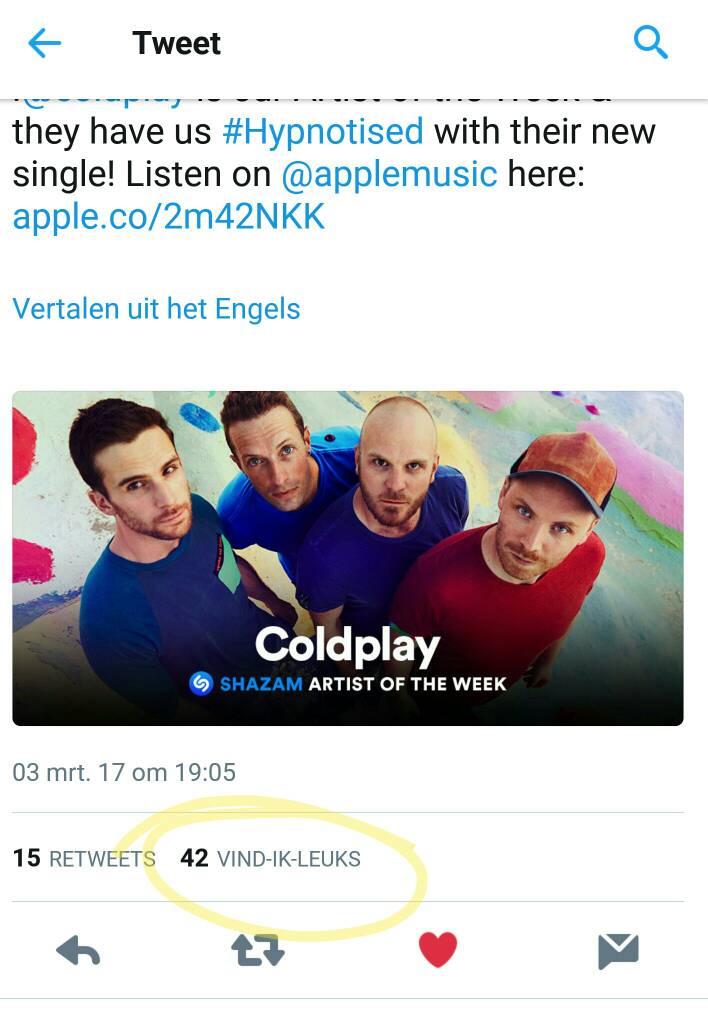
When Coldplay drops a new song...
-
@iamsue, sorry to read that you are so busy, but can you check your PM's please. [emoji4]
-
That was how I "discovered" it too. And it was so overwhelming. [emoji4]
-
I recognised your Coldplay corner. [emoji4]
-
Believe me, time goes only faster the older you get. [emoji23]
-
I have said it before that I thought Chris has a heart tattoo on his middle finger. It was said it was drawn on it for concerts. But on this picture it is again and saw it a few days ago on an other not concert related picture too. So, my thought still stands. [emoji4]
-
Yeah I slip and I'm mesmerised [emoji4]
-
So cute [MEDIA=instagram]BRJI84zgvBc[/MEDIA] Mobile Link: https://www.instagram.com/p/BRJI84zgvBc/
-
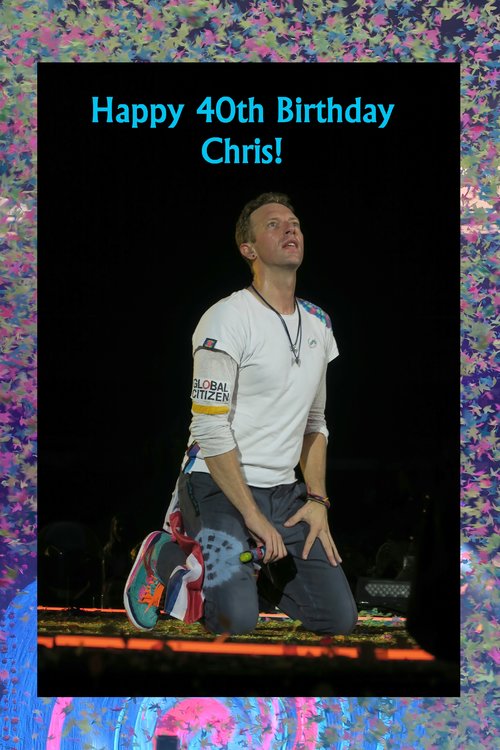
I was trying to add a GIF but that didn't work out very well. [emoji20]
-
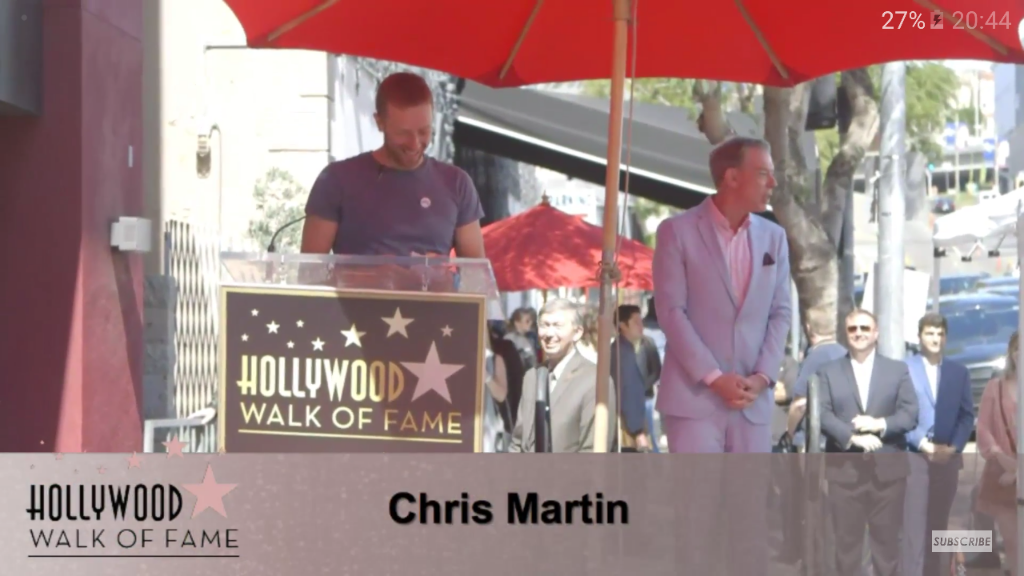
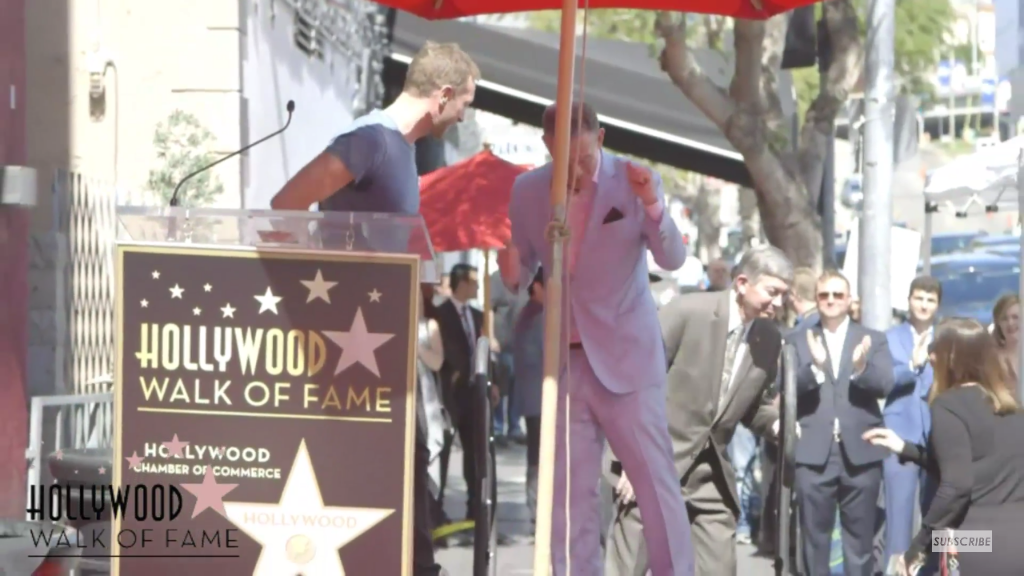
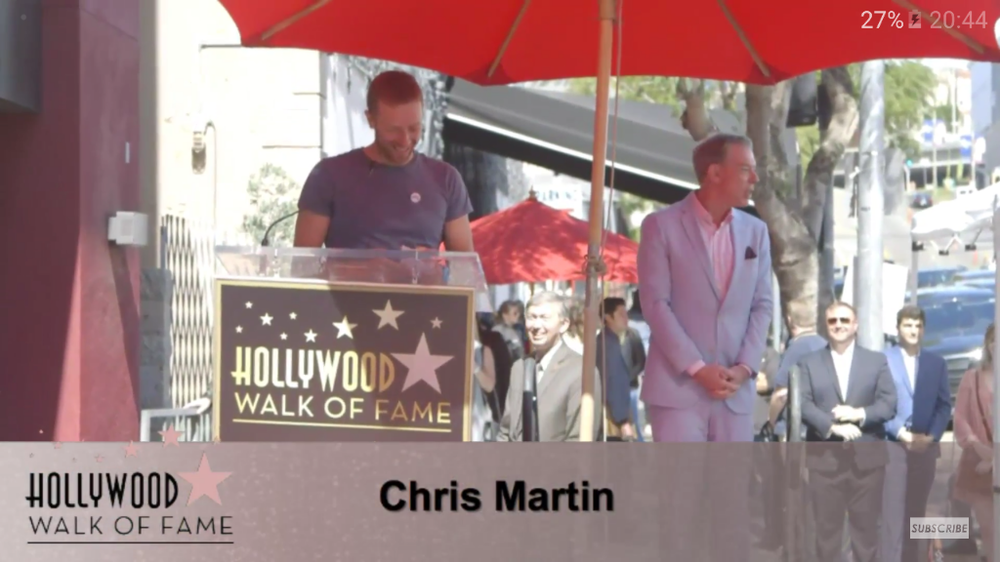
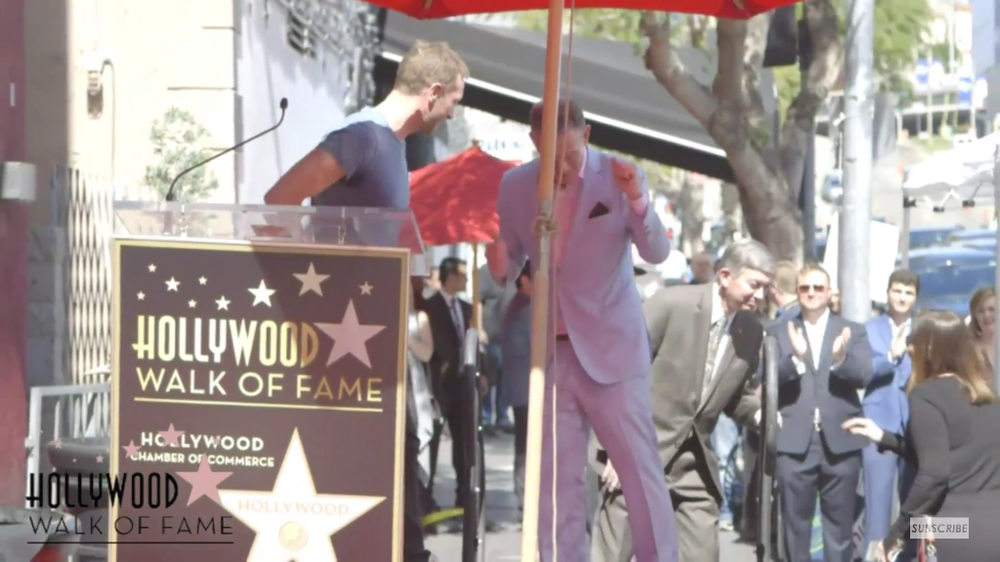
A few screenshots


-
this speech is so hilarious :p
-
Birthday Boy in sight [emoji4]
-
Finally we have sound. But there is a lot of echo
-
Happy birthday to you! [emoji322][emoji512]
-
I'm gonna put it here: The ceremony for Elvis Duran on Walk of Fame is online on Youtube!
-
I was so busy at work today that I couldn't listen to it until I had a very fast break. Thoughts when I first heard it: It is so beautiful. I'm really overwhelmed by it. Got even goosebumps and tears in my eyes. This is really the opposite feeling from which I had when I heard SJLT. To me it has a post GS - pre AHFOD sound, a bit All Your Friends in a more uplifting way. I'm way behind with reading on the forums and following the hype on Twitter,... First thing I did when coming home was download it from Google and now I'm gonna put it on repeat. Have to discover all those sounds in it.
-
Tears (from laughing) come streaming down your face [emoji23]
-
When it's such, it's such a perfect day
-
Random Coldplay Thoughts... thread