



harrisonrules
Members
-
Joined
-
Last visited
Everything posted by harrisonrules
-
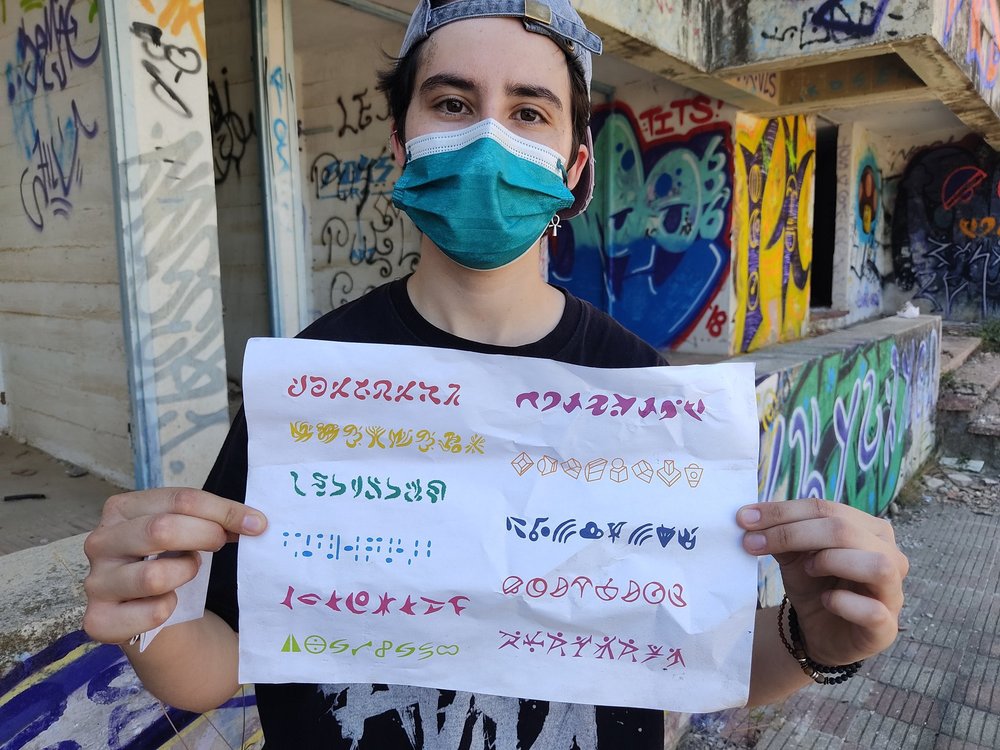
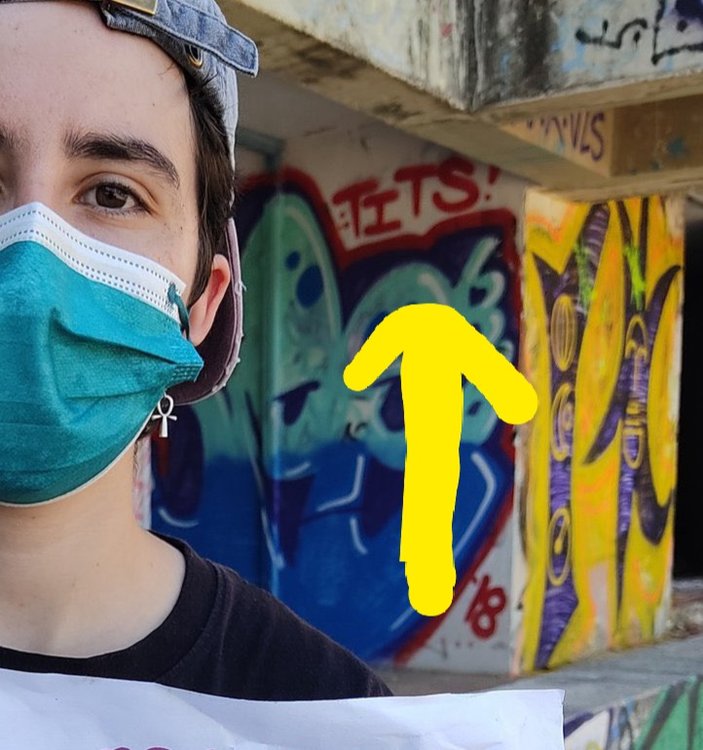
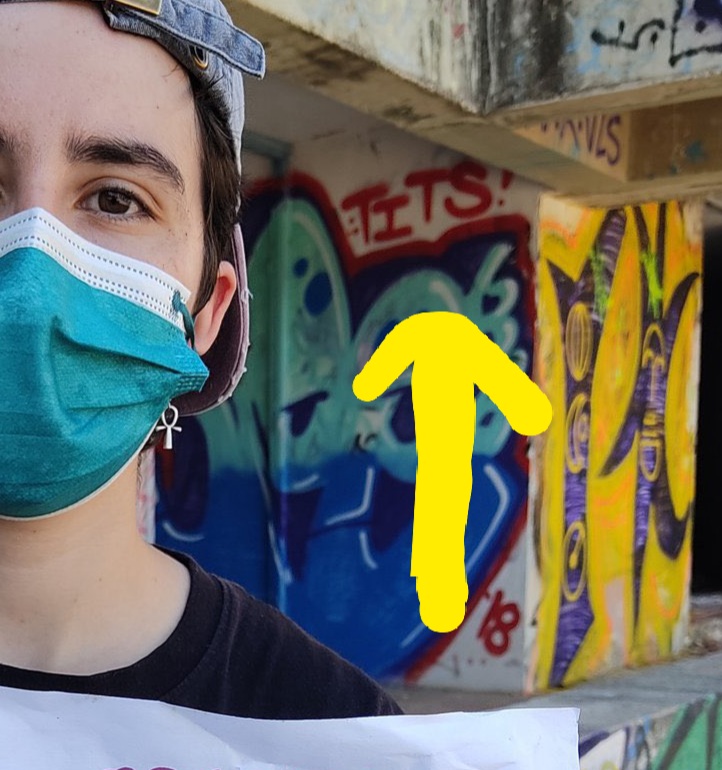
Funniest thing I've seen all day Notice anything? Zoom in behind the one holding sign
-
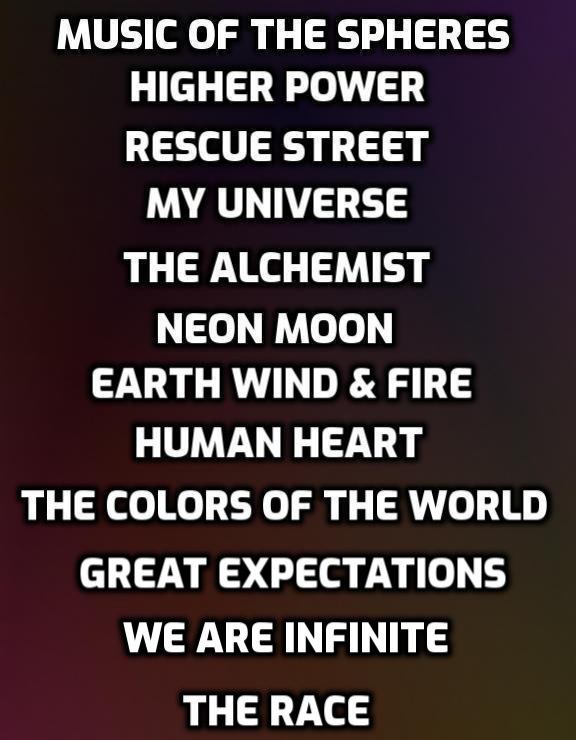
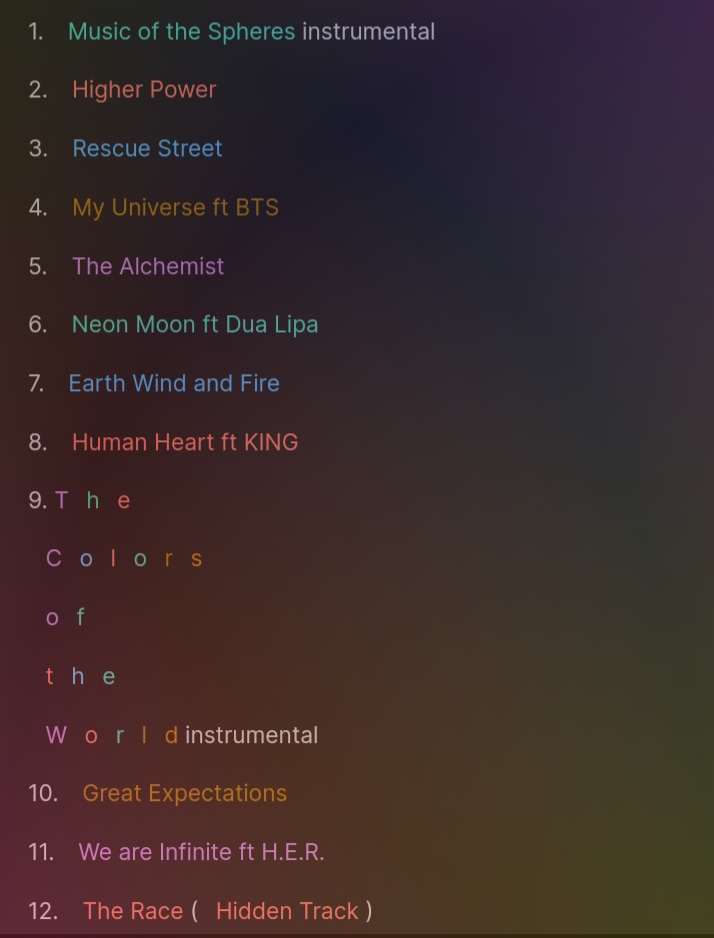
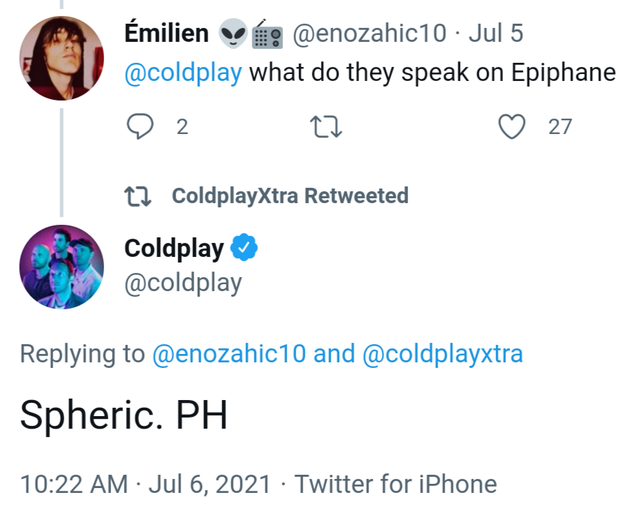
1. Music of the Spheres instrumental 2. Higher Power 3. Rescue Street 4. My Universe ft BTS 5. The Alchemist 6. Neon Moon ft Dua Lipa 7. Earth Wind and Fire 8. Human Heart ft KING 9. The Colors of the World instrumental 10. Great Expectations 11. We are Infinite ft H.E.R. 12. The Race (Hidden Track ) What would yall think about this?Wonder if Neon Moon is gonna be on there for realX and Y vibes from Infinitiumwe do know this Spheric = Epiphane planetIdk about you guys but this is why Coldplay is my favorite band Every era lately they get creative with their fans and these decoding languages is fun Kinda reminds me of Ralphie from A Christmas StoryColdplay ft BTS My Universe July 17th or 23rd
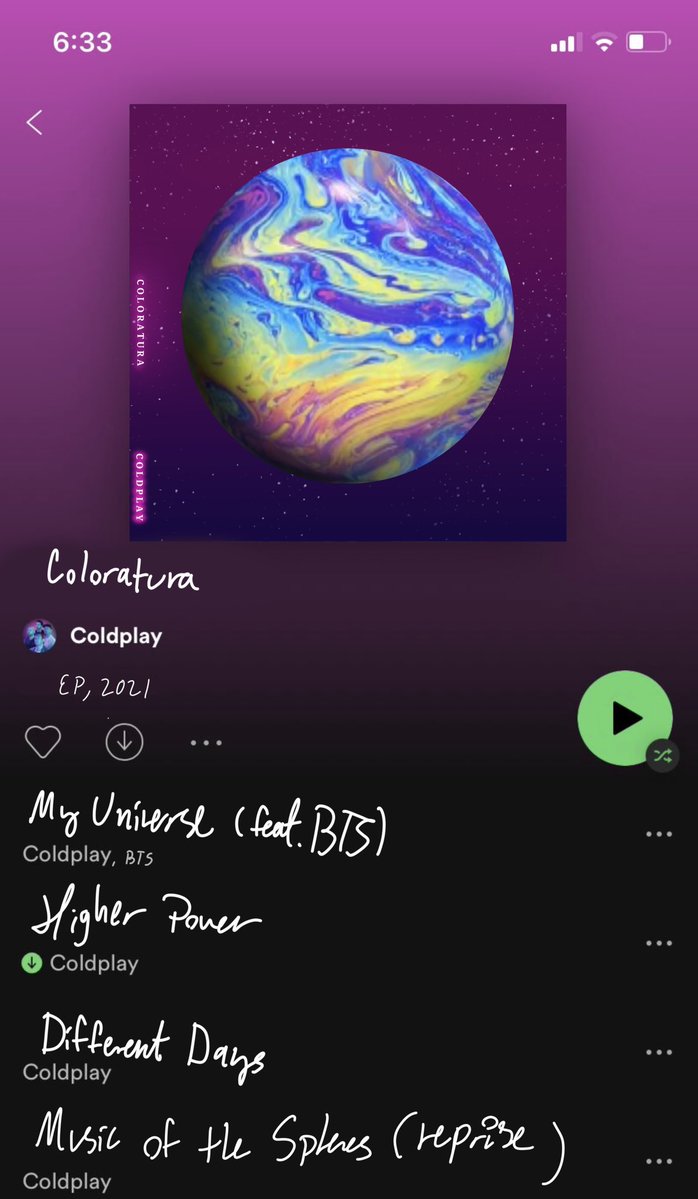
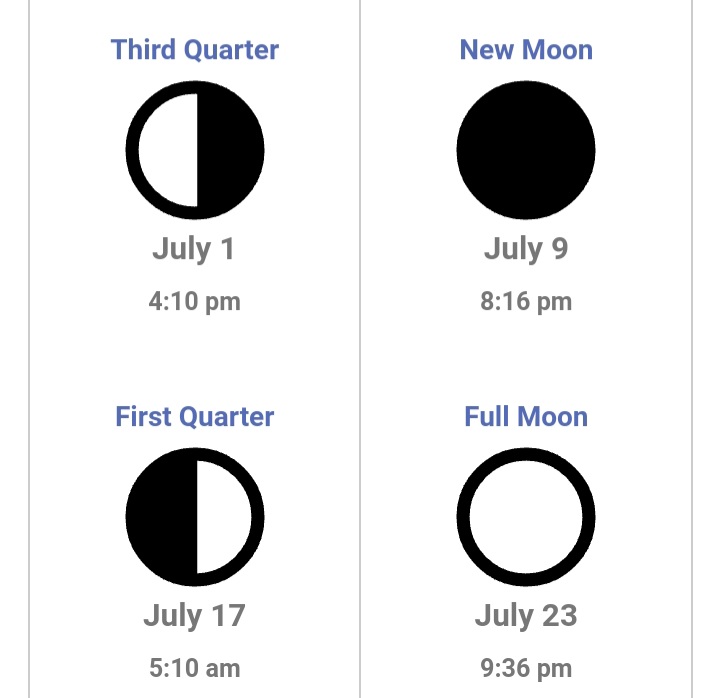 Coldies?https://www.dailymail.co.uk/tvshowbiz/article-9556393/Chris-Martin-rocks-blue-T-shirt-filming-new-music-video-Malibu.html Notice the date 1 day after HP was released What's it for?The R A CE mentions the word Color 2x and now one of the new planet is supposedly called ColoraturaKinda off topic but most will love thisNo idea type Coldplay Coloratura on Google Images and it popped upSaw this on Google Images
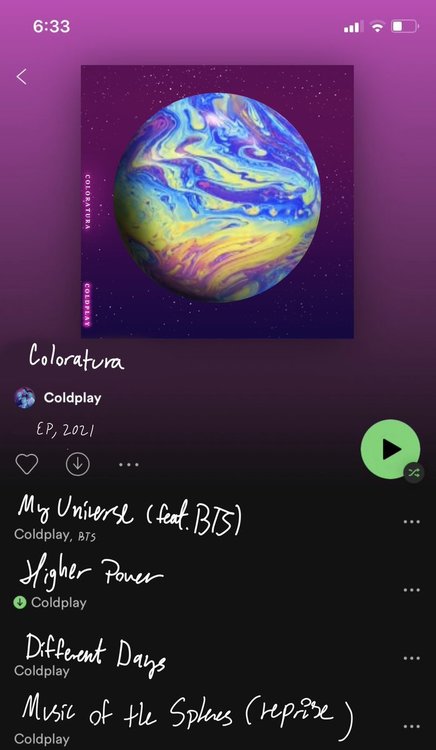 Coldplay be like our next single is called My Universal Race and is due out July 20th and it features BTSThat Viva chant isMX was very graffiti oriented and this gives off bright vibrant abstract art vibe which to me just screams Coldplay lately.







Account
Navigation
Search
Configure browser push notifications
Chrome (Android)
- Tap the lock icon next to the address bar.
- Tap Permissions → Notifications.
- Adjust your preference.
Chrome (Desktop)
- Click the padlock icon in the address bar.
- Select Site settings.
- Find Notifications and adjust your preference.
Safari (iOS 16.4+)
- Ensure the site is installed via Add to Home Screen.
- Open Settings App → Notifications.
- Find your app name and adjust your preference.
Safari (macOS)
- Go to Safari → Preferences.
- Click the Websites tab.
- Select Notifications in the sidebar.
- Find this website and adjust your preference.
Edge (Android)
- Tap the lock icon next to the address bar.
- Tap Permissions.
- Find Notifications and adjust your preference.
Edge (Desktop)
- Click the padlock icon in the address bar.
- Click Permissions for this site.
- Find Notifications and adjust your preference.
Firefox (Android)
- Go to Settings → Site permissions.
- Tap Notifications.
- Find this site in the list and adjust your preference.
Firefox (Desktop)
- Open Firefox Settings.
- Search for Notifications.
- Find this site in the list and adjust your preference.