



harrisonrules
Members
-
Joined
-
Last visited
Everything posted by harrisonrules
-
Coloratura was great live
-
Hot take XMTS is a great song
-
It was a private listening party no phones were allowed in
-
Chris did another rehearsal video earlierhttps://youtu.be/iEurtMK7y6QThe concert is gone but you can still access Joytopia its a lot of funMOTS/Higher Power ASFOS Magic Viva La VidaI literally just posted this on Discord
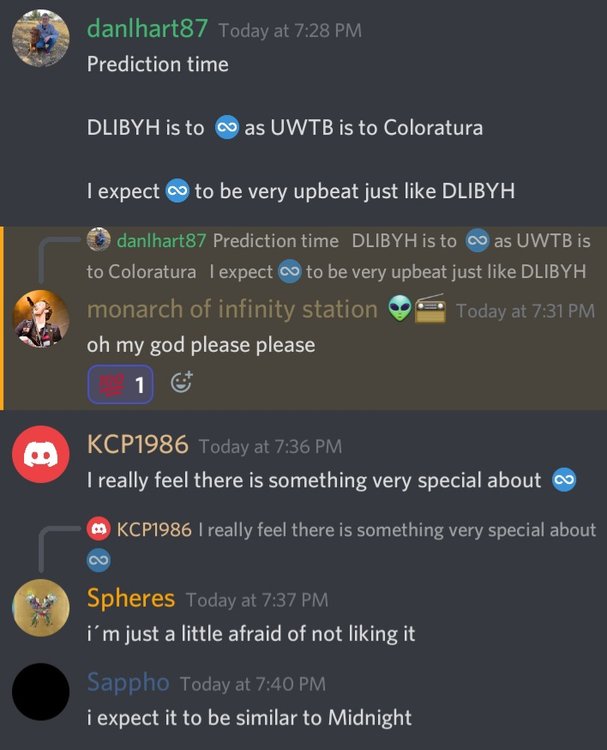 I highly doubt Infinity Song will be instrumentalMost likely 10th Kelly Clarkson show on 13thMy fiance birthday its destinyI want this shirt
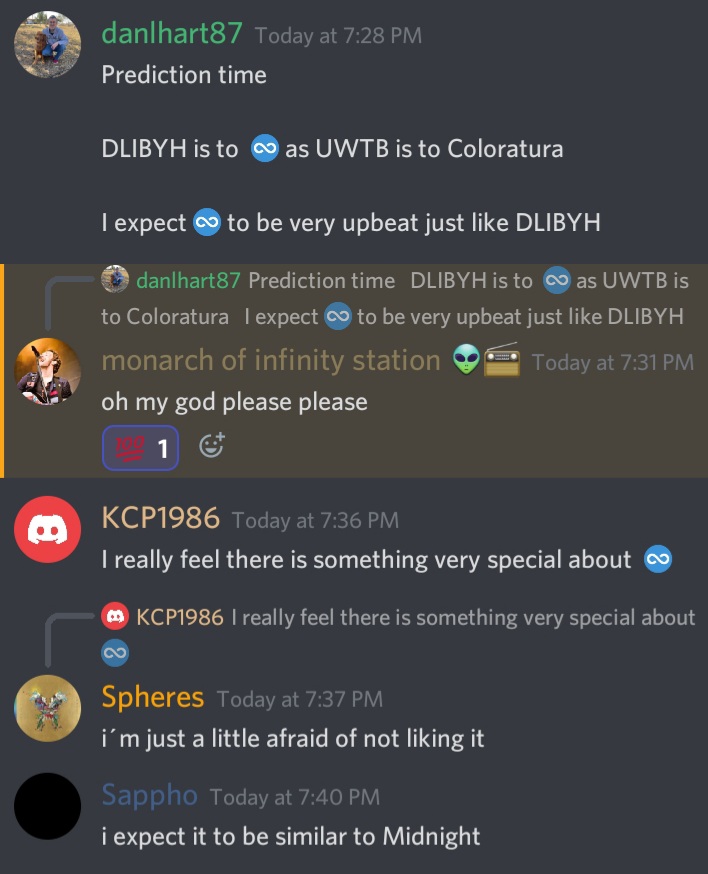
 I'm hoping teasers start end of August or beginning of SeptemberI'm not 100% sureIt's just Tiesto and Acoustic HPSend me a pm i have an acapella version of ColoraturaBoth might have elements of Life is Beautiful but both ultimately will end up being new songsIt is Mots 2There's a very high chance it will be My Universe and releasing it in September before IHeart would be wise move.Hmm always liked the name Aurora like sleeping beauty






Account
Navigation
Search
Configure browser push notifications
Chrome (Android)
- Tap the lock icon next to the address bar.
- Tap Permissions → Notifications.
- Adjust your preference.
Chrome (Desktop)
- Click the padlock icon in the address bar.
- Select Site settings.
- Find Notifications and adjust your preference.
Safari (iOS 16.4+)
- Ensure the site is installed via Add to Home Screen.
- Open Settings App → Notifications.
- Find your app name and adjust your preference.
Safari (macOS)
- Go to Safari → Preferences.
- Click the Websites tab.
- Select Notifications in the sidebar.
- Find this website and adjust your preference.
Edge (Android)
- Tap the lock icon next to the address bar.
- Tap Permissions.
- Find Notifications and adjust your preference.
Edge (Desktop)
- Click the padlock icon in the address bar.
- Click Permissions for this site.
- Find Notifications and adjust your preference.
Firefox (Android)
- Go to Settings → Site permissions.
- Tap Notifications.
- Find this site in the list and adjust your preference.
Firefox (Desktop)
- Open Firefox Settings.
- Search for Notifications.
- Find this site in the list and adjust your preference.