I ran away
Moderators
-
Joined
-
Last visited
Everything posted by I ran away
-
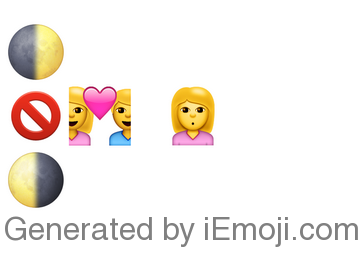
Well an easy one for a change is quite welcome :) This one is more difficult again, and requires thinking outside the box.
-
John, Christopher Anthony :)
-
Speed of Sound ?
-
Yes !
-
And so I ran (away) from you ;)
-
Please vote, everyone ! Let's set a deadline for voting the date: until Feb 5 (Saturday)
-
(Once) upon a time somebody ran
-
Welcome back @Maslina :)
-
I had to (find) you
-
no Hint: it is a not very well known song
-
In the night, the stormy night, she closed her eyes
-
When the truth is I MISS YOU I should not have let you go, no
-
Heaven, Hurts Like :P
-
And I can't get over, can't get over you
-
Weiße Schatten Such a Rush
-
no
-
It was an odd list, there was also some Avicii and Maroon 5 on it later....it started out really ambient but then gradually seemed to become more pop :) ....oh honey honey, where do we go to fall from grace... :P
-
Hang in there, Hedwig. You're gonna get through :)
-
Was just at a small event where there was a playlist playing on speakers before the talk. Waited for almost an hour, lots of ambient music and stuff. Then suddenly the first chords of GPASUYF come on ! In that moment, the playlist is turned off and it is announced that the talk will start now :D (But after the talk the song resumed :))
-
no...
-
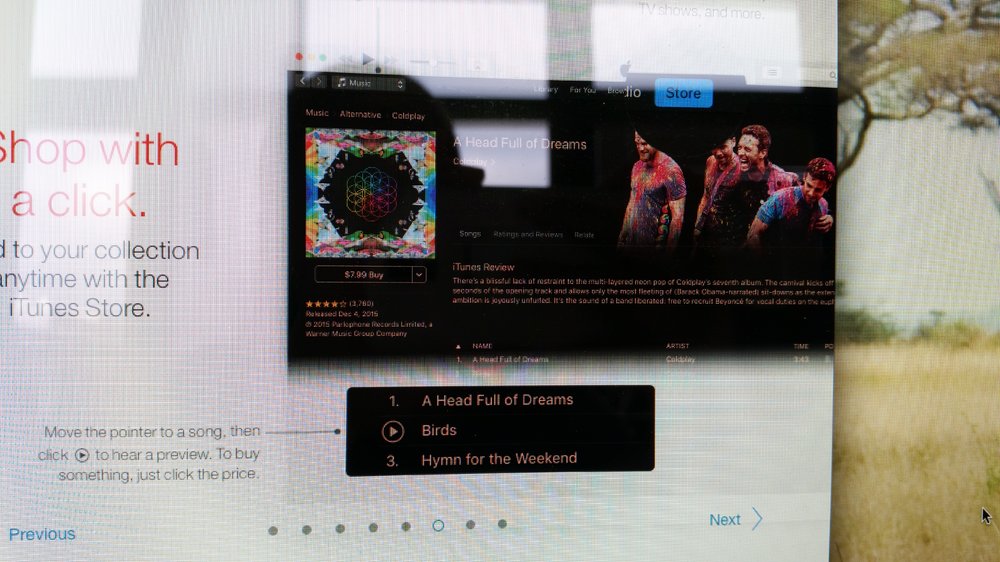
Yesterday morning when I logged onto my workplace Mac, the screen surprisingly showed me this:
-
Yes ? AROBTTh ?
-
Chris is sometimes like a small child who gets so excited about things that he just can't keep it secret :)
-
no
-