Nie
Members
-
Joined
Everything posted by Nie
-
SJLT - ASFOS - Up&Up
-
1st video is online. Trouble - Don't Panic - Us Against The World
-
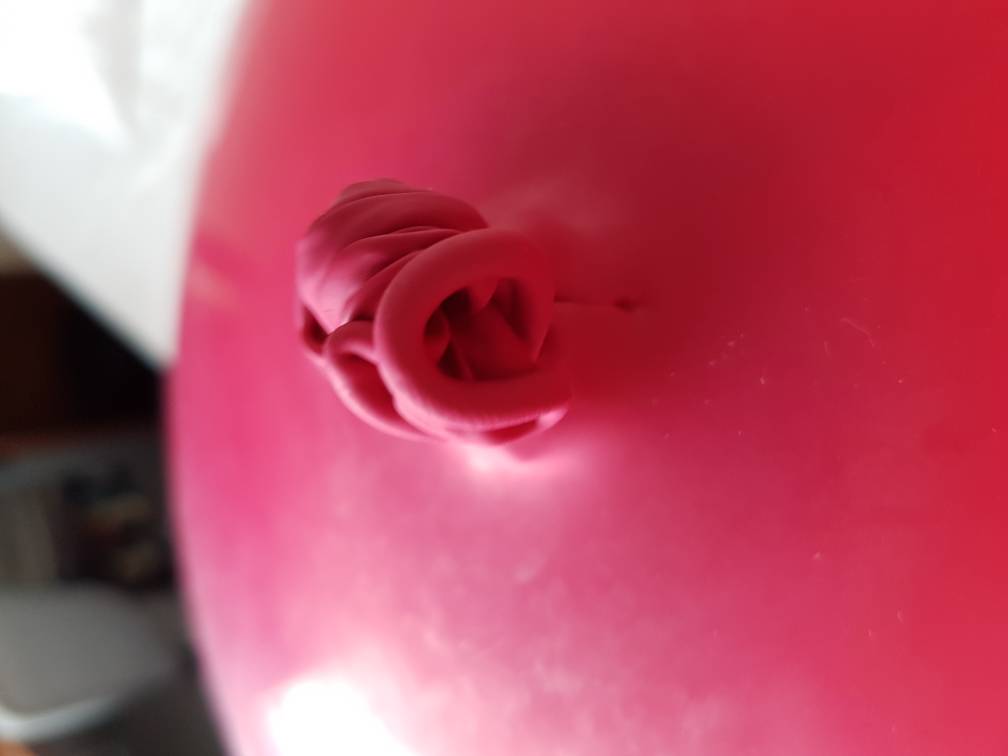
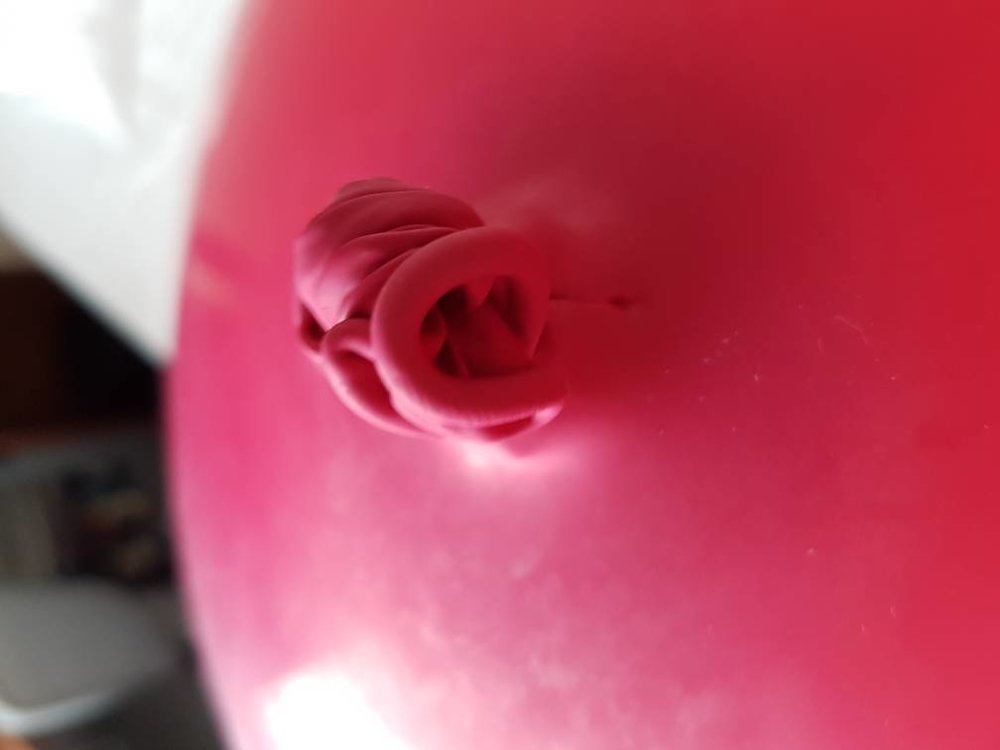
And it was very tricky to untie that knot. Whoever was responsible of making it did a good job.
-
Have a look on my Twitter account @Clouplay_c3o for 2 videos.
-
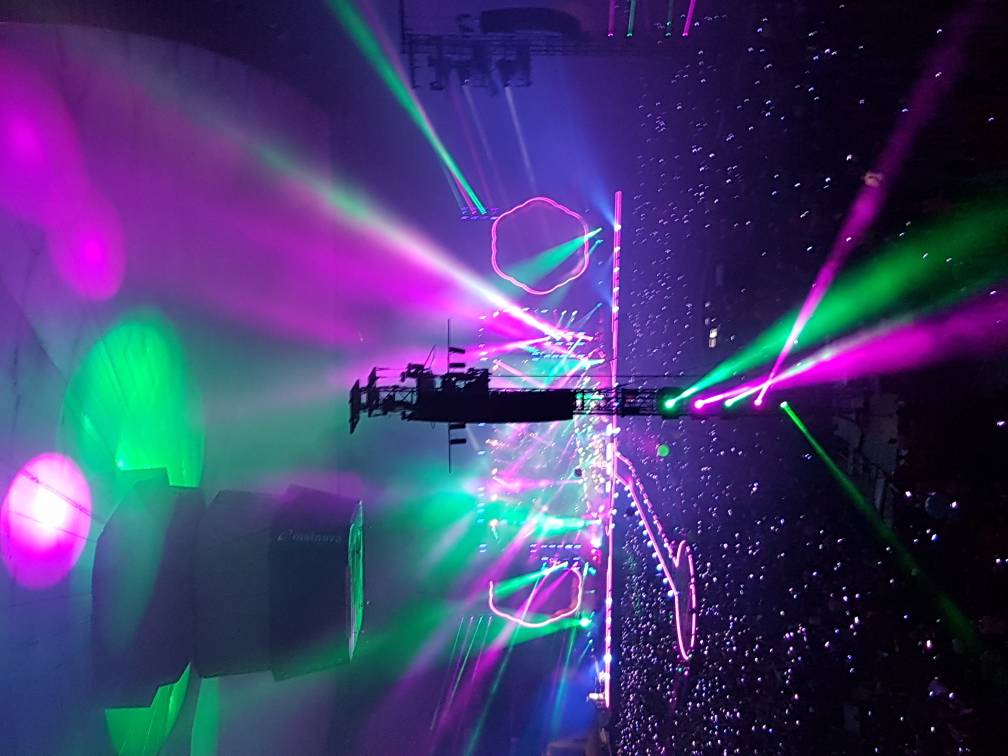
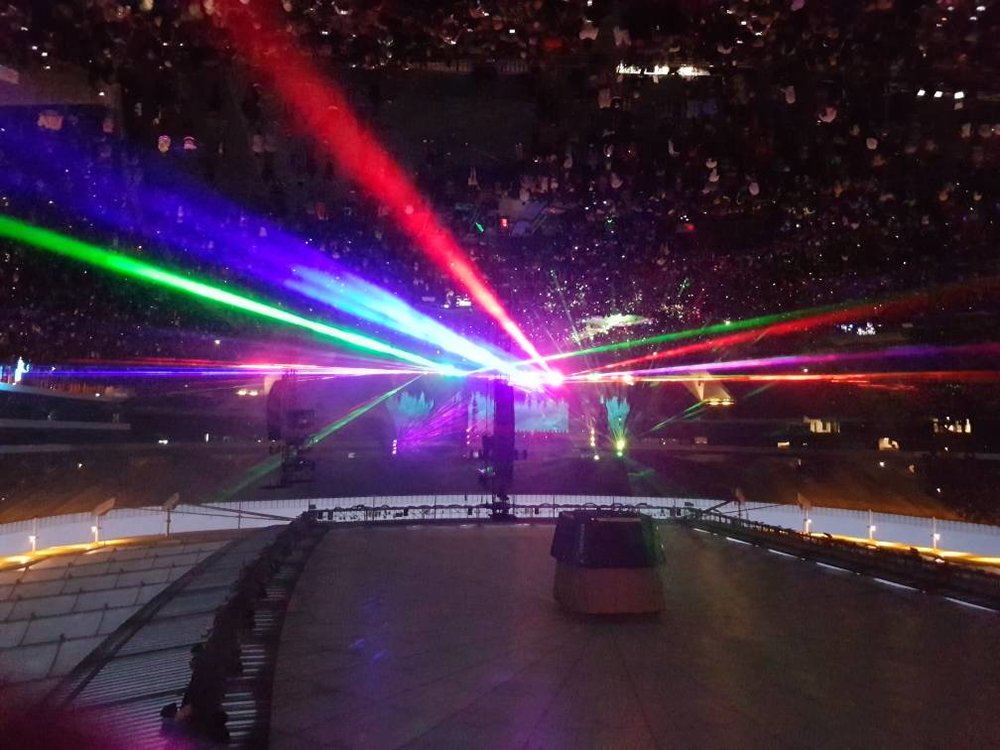
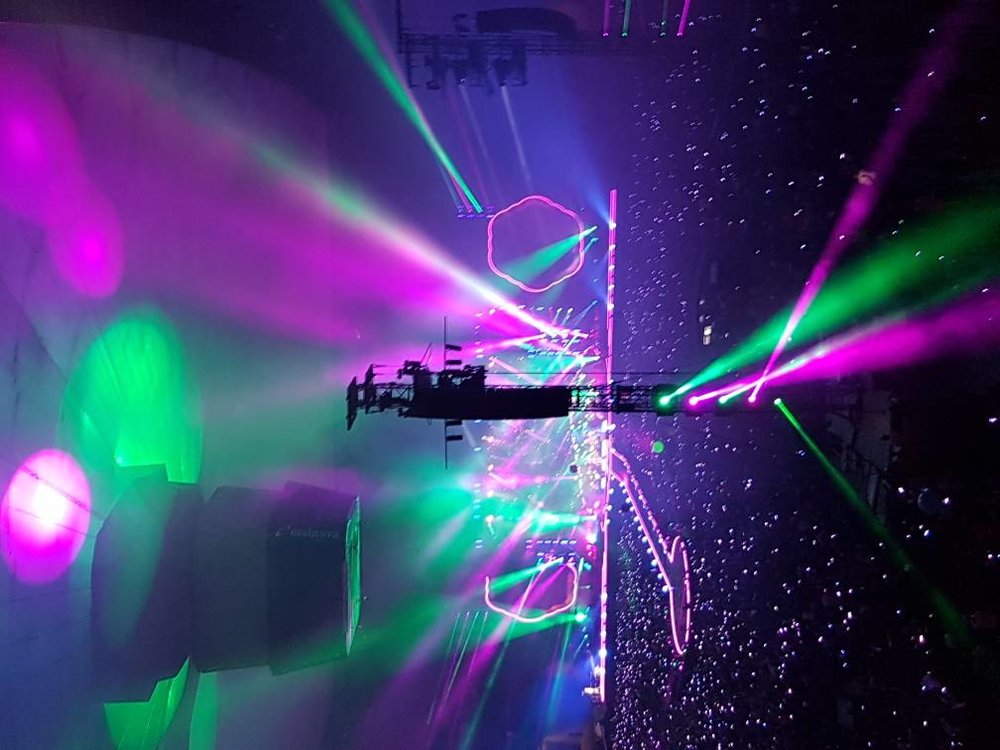
Oops, some are the wrong way up [emoji1]
-
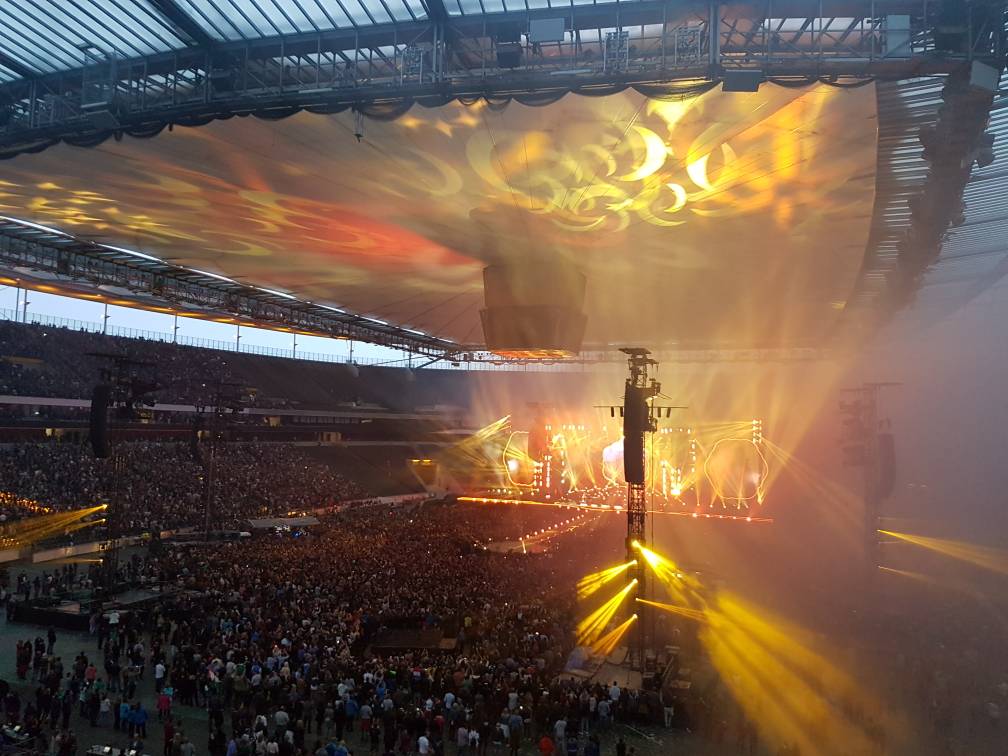
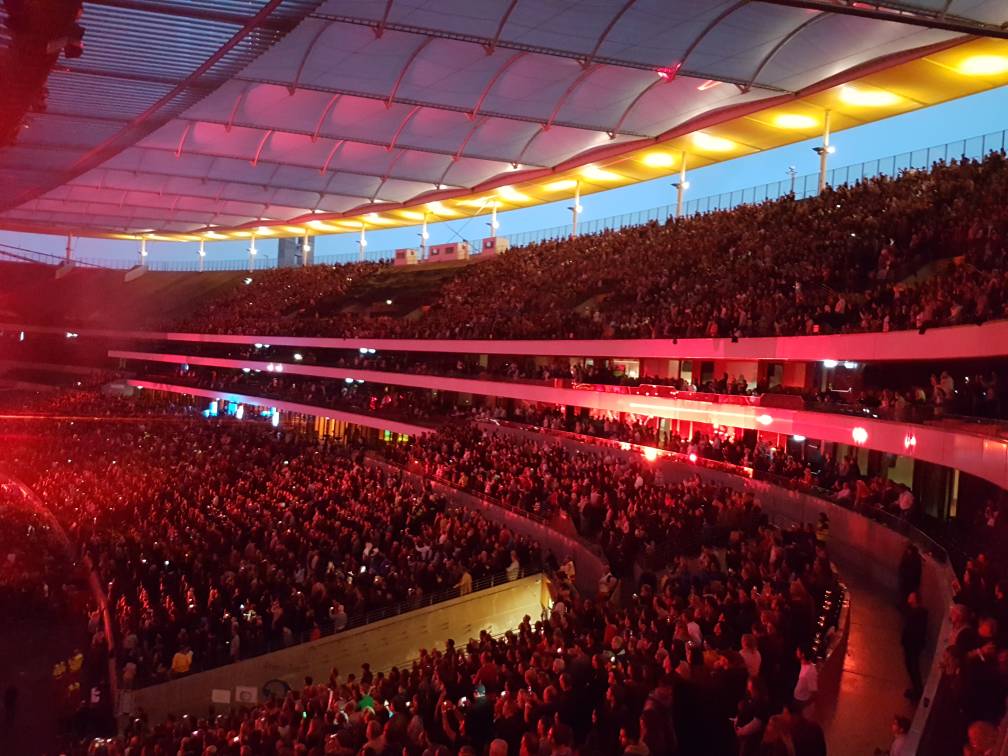
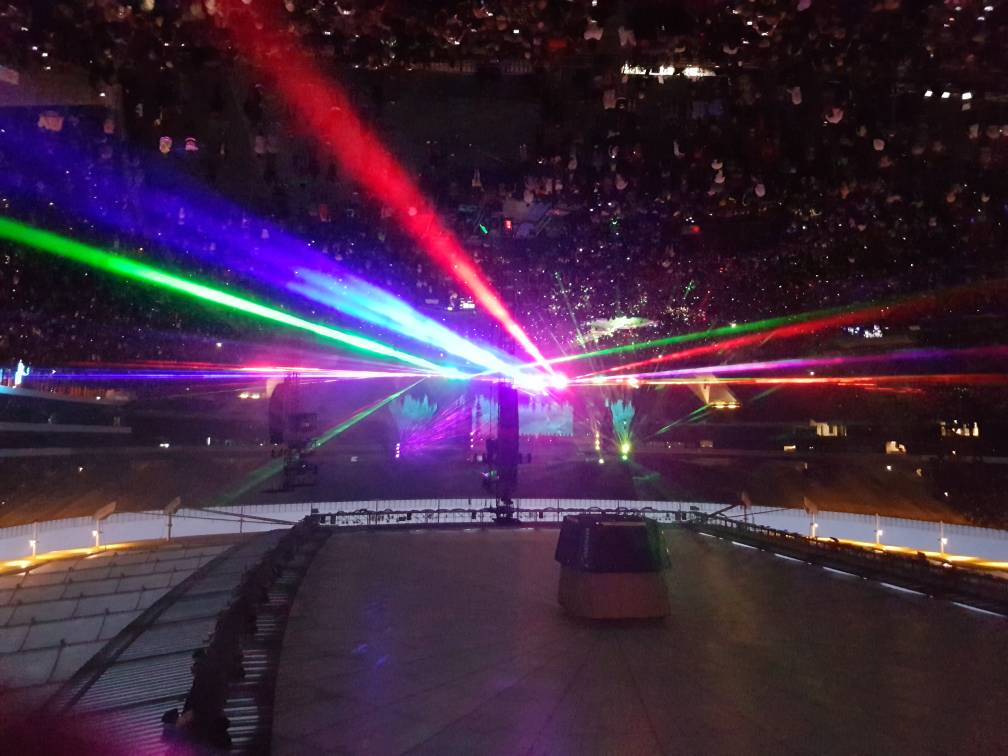
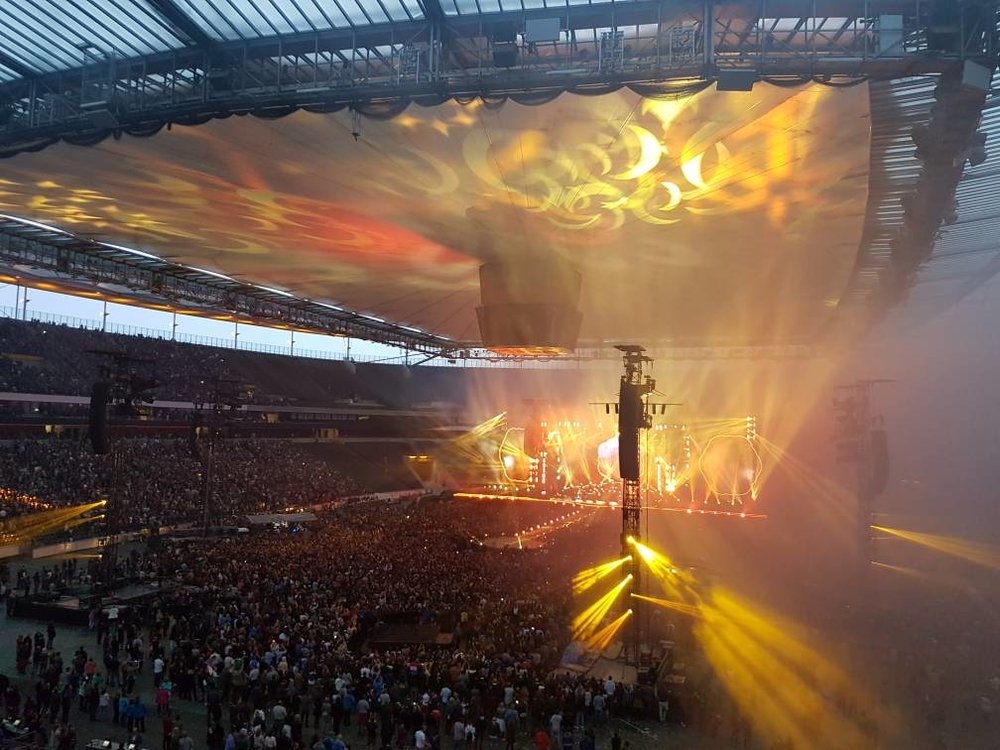
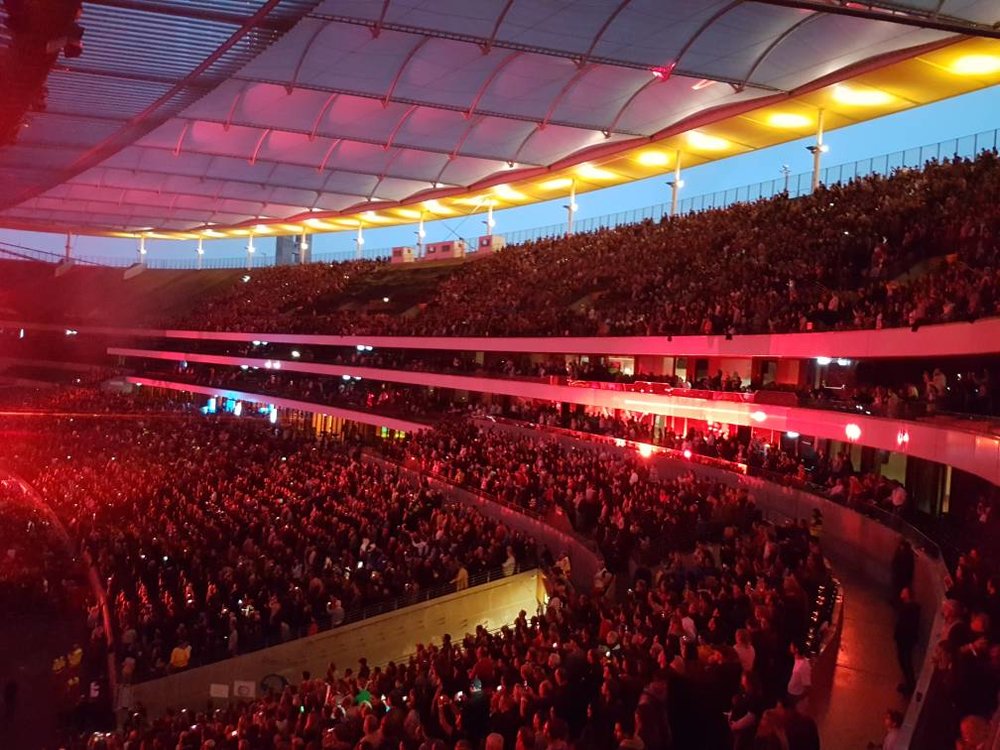
Again a great concert. We were sitting in the back and a light tower was partly blocking our view on the main stage. But we had a nice view on the laser and lightshow. Wich was amazing on the closed roof. I made some pictures and videos with my phone. Most of it is on my camera though and for some reason the hotel wifi internet didn't let my phone connect with my camera. I'll have to be patient and wait until I'm home this evening.
-
If you are to get some drinks or visit the toilets,... don't forget to fetch a wristband before leaving the area cause you might not be let in without it. The spot where you can get them is marked with a sign. [emoji4]
-
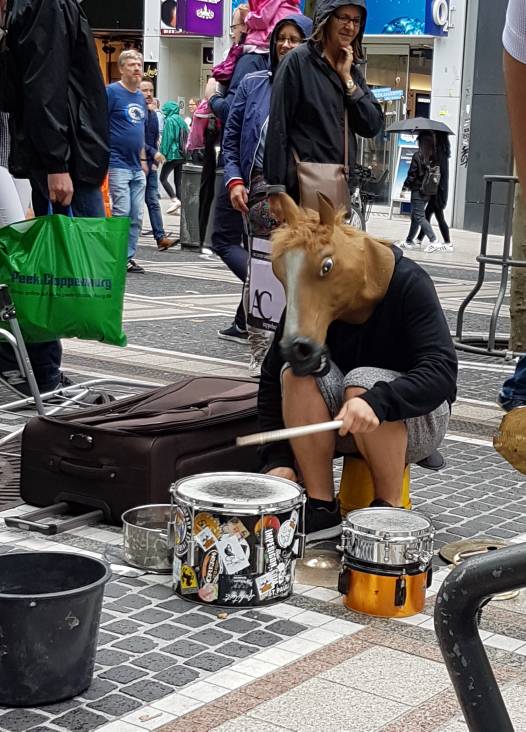
Walking around in Frankfurt with @I ran away. I think we found Will Champion in disguise. [emoji16] I have a video of his performance too but will post it after I have uploaded it somewhere.
-
Last year there was a flag of an Antwerp Football team. Stageco, the company that is responsible for the stage is from origine Belgian, so I'm not surprised there are a few Flemish people in the crew.
-
Oh dear. At first we thougth it was a joke. But no. Since it is raining people might go queuing later. Good luck We have a seat this evening.
-
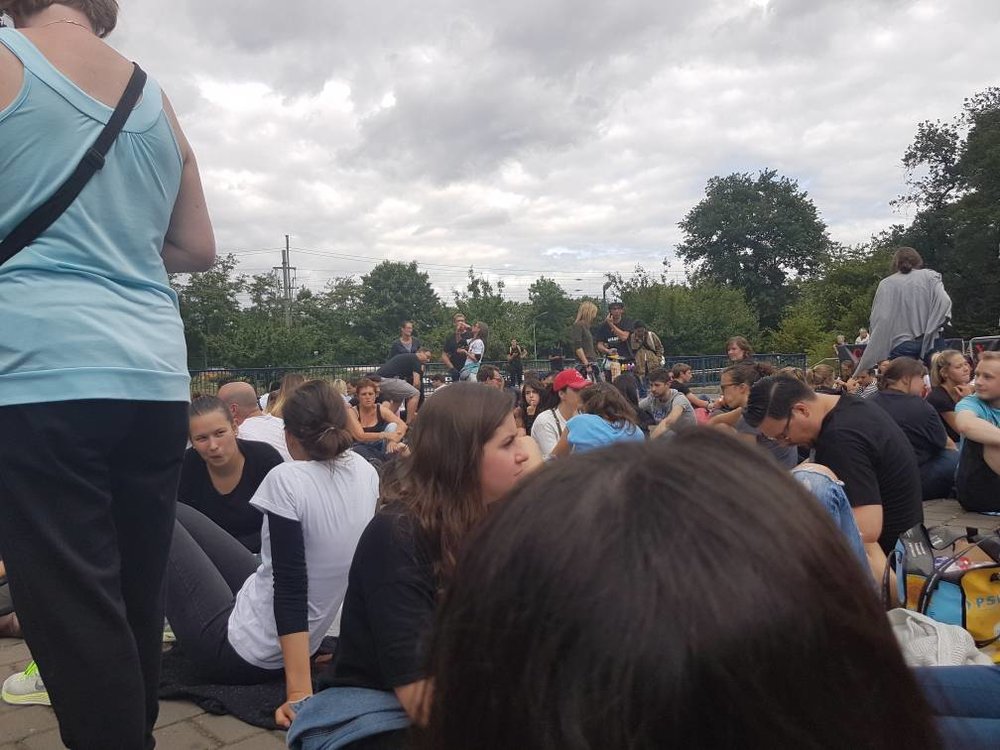
Bad at guessing but here is a pic of the queue
-
We have arrived at what seems to be entrance E5. About 50 people in the queue right now
-
It was also mentioned in the info at their website that the roofs probably would be closed.
-
Is that good luck to @I ran away cause she is about to meet me? [emoji12]
-
Send an email to Commerzbank-Arena. [email protected] With topic "Infos - Coldplay" They really answer fast.
-
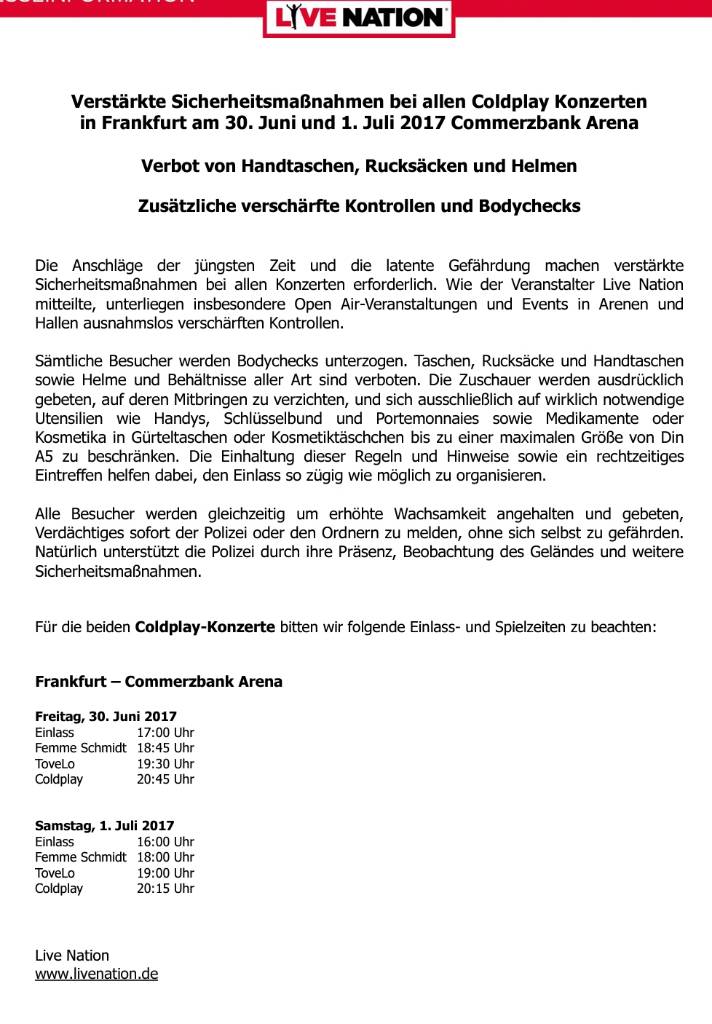
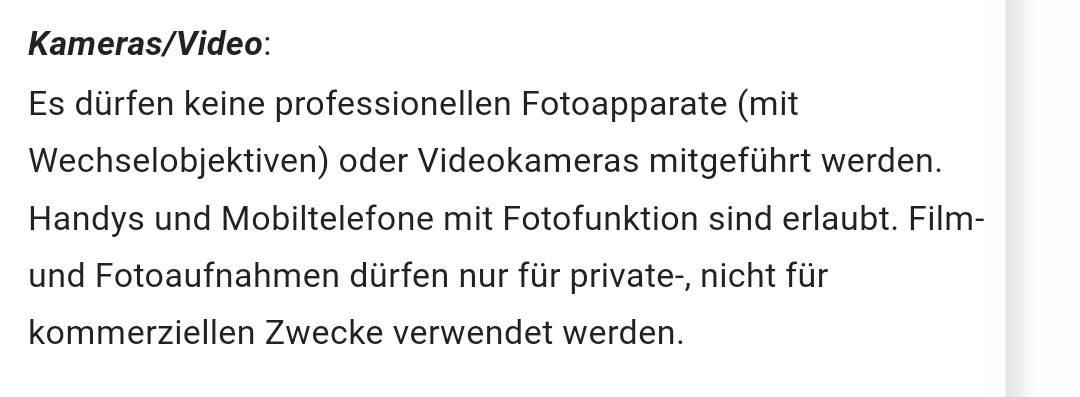
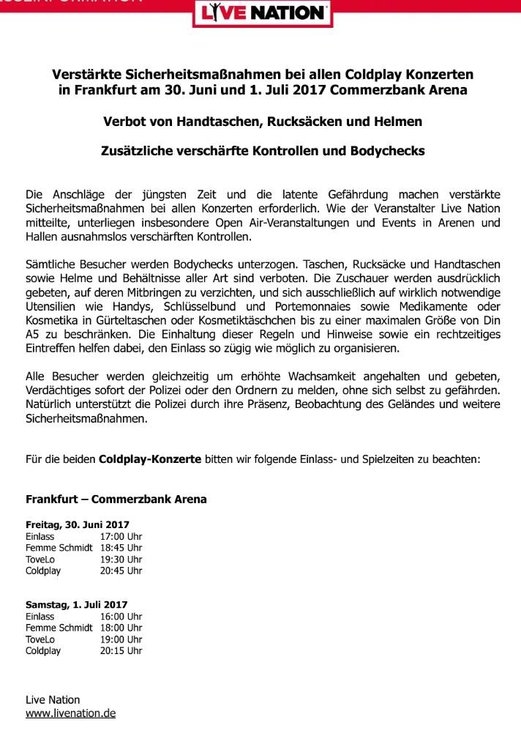
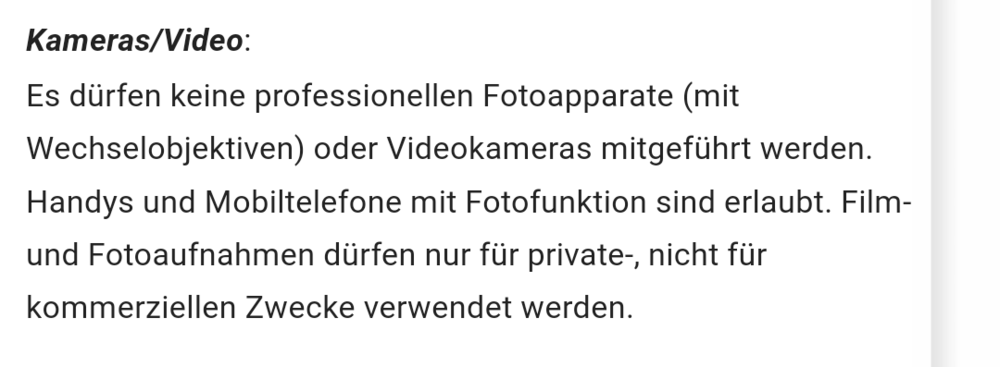
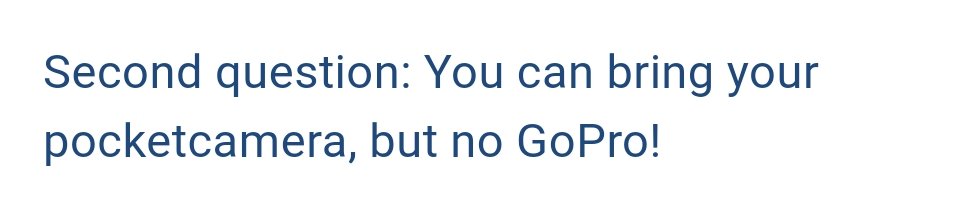
Changed info: Size bellypacks / cosmetic bags --> max. DIN A5 (14,8 × 21 cm) I also want to clarify that the info that pocket cameras are allowed is NOT specifically mentioned as such on the Commerzbank-Arena website. But I have asked them by sending an email and got this reply: Better check the website in the morning if nothing has changed, cause I have the impression that concert organisers in Germany are a bit capricious. [emoji4]
-
I used the contact link on the website. It goes to the Commerzbank Arena email adress
-
Yes. It is on the website. I have send them an email to ask. (And printed it as proof [emoji4])
-
On the website www.commerzbank-arena.de you can find more info about what is permitted (non-professional cameras allowed), transport,...
-
On the website www.commerzbank-arena.de you can find more info about what is permitted (non-professional cameras allowed), transport,...
-
I just have to put this here. Have a look at this Instagram video Coldplay posted this evening. And keep focusing on the guy in the purple shirt. [MEDIA=instagram]BV0KH1LFtFL[/MEDIA] Mobile Link: https://www.instagram.com/p/BV0KH1LFtFL/ He really gets out of synch and realizes it just when Chris sings "oh lets go back to the start" [emoji16]
-
Yes, but I would start with "Gluten Tag". [emoji23]
-
Yeah, I'll pull out my best German language knowledge. [emoji12]
-
Don't give up! I Don't know which concert you are going to but things can be different for the venue you are going. Sometimes you are more lucky than expected. [emoji4]
-
17036, you should make 6 more [emoji4]