dom62400
Members
-
Joined
-
Last visited
Everything posted by dom62400
-
merci
-
I don't like the passages with lalala:lala. we would say that they did not find the words and they fill the void
-
the password doesn't work for me too
-
anyway, thanks for trying
-
Hi everybody, has anyone planned the recording and sharing of the Paris concert on Sunday July 17 which will be broadcast via the app ? thanks in advance.
-
https://mega.nz/file/hRNSRTJa#KsftuaJUUmSh5kC5W-7rv_hW2KvLmgIF-5SWrh1IHlk
-
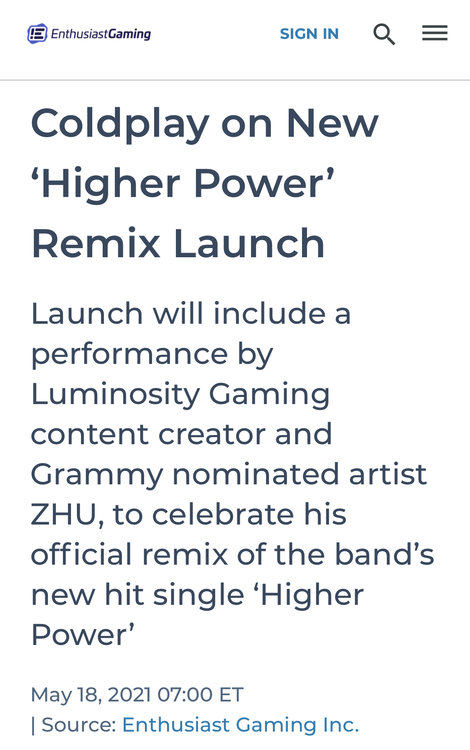
Coldplay will appear on Luminosity Gaming’s Twitch channel this Thursday evening to premier Zhu's hypnotic remix of #HigherPower ⏰ 7pm EST / 00:00 UK / 5pm PST ? bit.ly/3tUKyaf
-
May be a remix of higher power by ZHU.
-
Can you share it by PM please ?
-
Hello GamingForeverAUS, where do you find 5.1 rip ?
-
christmas is so far away ?
-
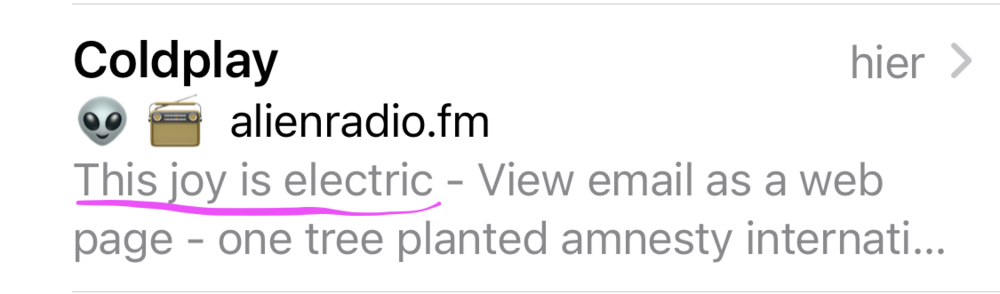
when I got the email from the official Coldplay website, there was this little message. I do not know if it is with the news of the group.
-
RTL2 a french radio is actually broadcasting the live in Amman.
-
Arabesque is different but it’s a very good song too !
-
J’adore ! I love it
-
Please, could you send me the 8gb link by pm ?
-
-
hi, in thé forum, coldplayer say to me : DM to me for the link of a remix. But i don't Know How and where to DM him ? Can you tell me How to do this ? Thank you !