kosigiprasanth
Members
-
Joined
-
Last visited
-
Couple of days Coldplay uploaded a random video of hologram dancing and it had a number 216... does that mean 21 June?? New single or something else?
-
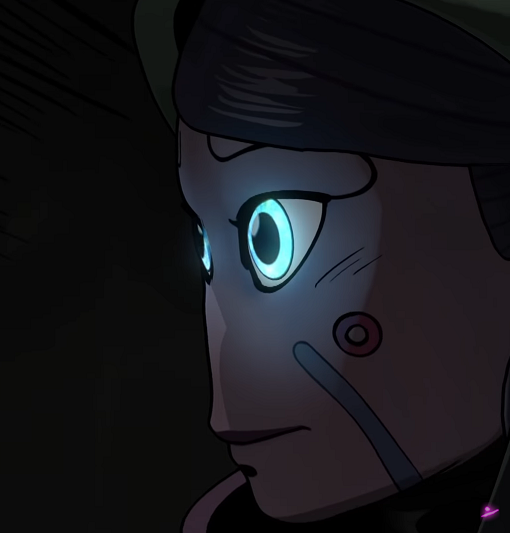
And the circle being referenced on LELA in Hurts Like Heaven And the closing circle in hynotised
-
DM please
-
Looks like that is the only option for India to get Butterfly package
-
Ghost stories live is not available from the store :(
-
A generic doubt... the Bluray/DVD sold in coldplay fanfire are they region locked or will they just work seamless... just wanted to check before buying
-
iTunes has 1080p version? Did you watch it by any chance is it better than DVD? Even i am looking for downloads
-
Can i get it too?? 1080p untouched
-
All i ever wanted was them perform Ghost Story .....
-
I was thinking where i heard that 'Ole ... Ole' before... Finally found it ... he sang it before 'Don't Let it break your heart' in Live 2012
-
Best Version till now i watched: #4K #NearlyPro
-
I feel it's "I wanna walk into you"
-
Did Coldplay officially released the single through itunes or spotify with charlie chaplin speech?
-
Speed of sound ...... Strawberry swing....
-
Anyone has instrumental version of this. I would love to have it in my collection.