I ran away
Moderators
-
Joined
-
Last visited
Everything posted by I ran away
-
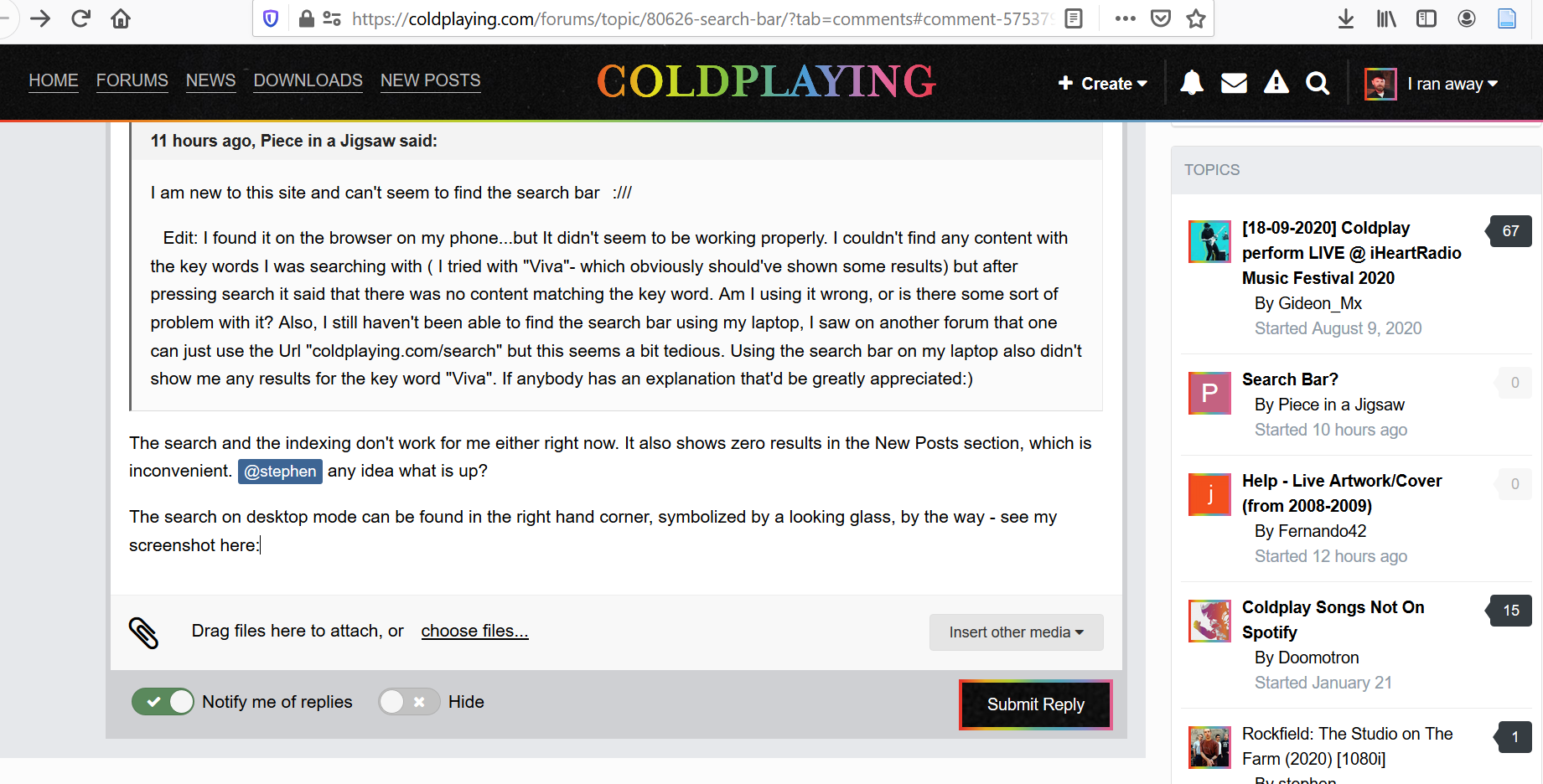
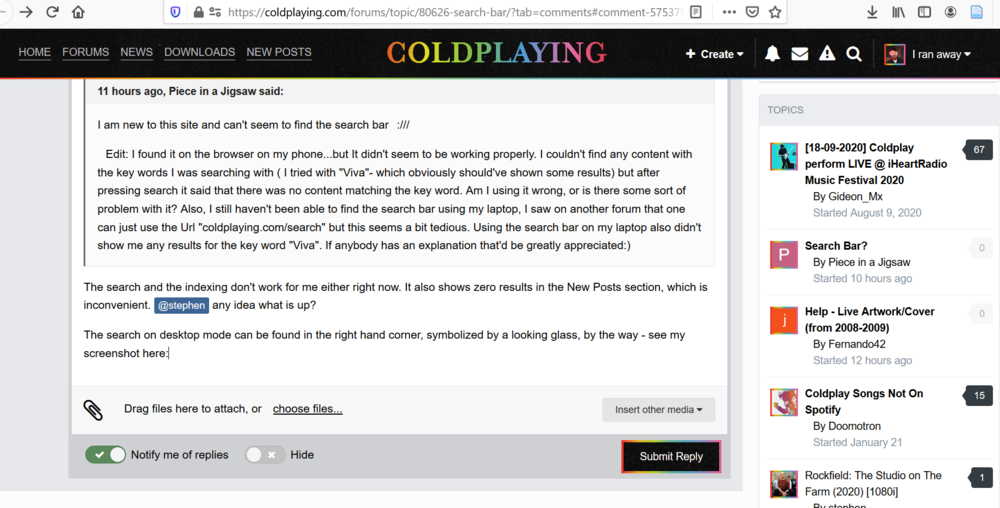
The search and the indexing don't work for me either right now. It also shows zero results in the New Posts section, which is inconvenient. @stephen any idea what is up? The search on desktop mode (laptop) can be found in the right hand corner, symbolized by a looking glass, by the way - see my screenshot here. It should be right next to the envelope symbol in your case.
-
No problem! Still worth watching and getting excited for in these days with no new content ?
-
It's a rebroadcast of their Everyday Life era set (January 2020)
-
Talk vs Clocks
-
Talk vs AROBTTH
-
Midnight vs Talk
-
A Message vs Swallowed in the Sea
-
A Message vs AROBTTH
-
Ghost Story vs Murder
-
Yeah, agree. They are definitely working old ideas from the MX Era, so the new album might be a spiritual successor to MX. Just like Everyday Life was a spiritual successor to VLVODAAHF in terms of soundscapes and album composition.
-
Glass of Water vs Life in Technicolor ii
-
SO sorry, I forgot! I will try to prepare my mixtape tonight and send it to you
-
FFTF2024
-
No. He just doesn't have Coldplay in his bio all the time
-
Happy 15th birthday to perhaps the greatest Coldplay song of all time! #Talk15
-
Welcome back, long time no see! Ah yes I remember those times. I wish the forum was as active and buzzing as it was back then...
-
Warning Sign vs The Scientist
-
Yes, absolutely! Love doing it ? Have you ever seen Coldplay perform a rare song live?
-
No never yet! Have you ever baked a cake?
-
Warning Sign vs Brothers and Sisters
-
Warning Sign vs Daylight
-
COTW vs Idiot
-
COTW vs Green Eyes
-
Viva La Vida vs Violet Hill
-
Talk vs Clocks (LRLRL)