I ran away
Moderators
-
Joined
-
Last visited
Everything posted by I ran away
-
Viva La Vida vs A L I E N S
-
Yeah, rock is not trendy anymore like it used to be but one doesn't always have to go with trends. And one could also argue rock was just as dead by the year 2000...but then came along a band called Coldplay and put a new spin on it that inspired a whole new soft rock movement. It just takes someone to go forth...
-
Talk (Junkie XL Remix) vs Viva La Vida It's not actually a remix, just a different audio mix ! It's the one used for the What If physical single release. It's also on Youtube, check it out ! Not too different from the album version.
-
not sure but isn't it Jonny who says that, and then Chris goes "it is Di Caprio" and Will says "still not a fan" and Chris goes "you two are strangling all my lyrics, i can't write about anything or anyone !" ?
-
Hi and welcome to the forum ! That's an amazing story indeed. Is there any other rare Coldplay stuff on this hard drive ? ? This post caused me to get up and fire up my computer again even though I was already in the process of falling asleep, to download and listen to the file ? unfortunately, the download didn't work for me, not on the computer and not on the phone. ? I don't usually have a problem with Mega, also have the app etc. Importing into my own Mega acct didn't help either. File can also not be played in Mega, Any idea why ? Can you perhaps share it in some other way ?
-
Talk (Junkie XL Remix) vs What If (Tom Lord Alge Mix)
-
High UP above or down below
-
Chris actually said Rock is dead, not pop ia dead.
-
Church vs UWTB
-
I'd love for it to be that way, but given Chris's continued fascination with pop music and the latest trends I doubt it.
-
THROUGH the dark streets they go searching
-
Well, it's been on ice since mid-2017 but should another good opportunity arise it will be revived. At any rate I had a paper sign that said "Play I Ran Away live" in London last November in the front row and Jonny saw it and acknowledged it with what I would describe as a "surprised smile and a nod" ?
-
MEET me on the lane
-
@Divutian Just start a thread for it ! I'm sure we'll find enough participants. The I Ran Away Project cover was started this way too, with a simple thread I made, back in the day...
-
I remember it too. It was scrapped due to sound problems in Barcelona, it was said.
-
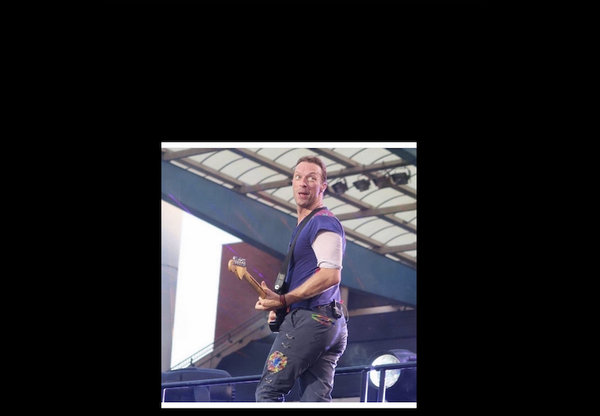 Look @Nie?
 -
I still stand by the May 11 date being an inside joke of the video crew, or a random date. Even if the Corona thing hadn't happened, there's no way the band would have recorded a new album so quickly. A stand-alone song or something else, sure. But not an album or an EP.
-
When you GET what you want but not what you need
-
They say START as you mean to go on
-
So here's what I'm gonna do
-
I understood that as referencing the #TogetherAtHome series for Global Citizen, saying this is the final concert like that and GC will move on to other things.
-
But you forgot to hightlight it ? OK I'm gonna quote ETIAW freestyle now: Maybe I'm in my place Maybe I'm from the nerds Maybe i quoted space Between these two words
-
Years of experience with this band has made me a pessimist when it comes to stuff like that, so I'm going for.... ...ZERO
-
For you I'd bleed myself...DRY ?
-
Welcome to the forum. X&Y - Square One